
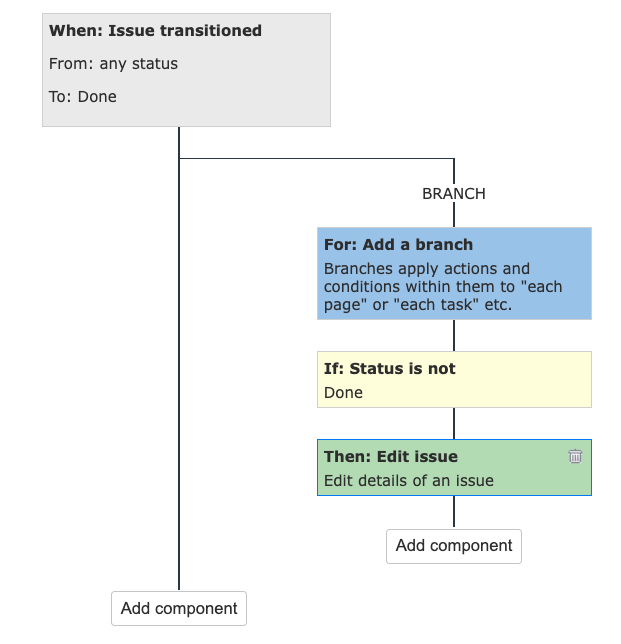
This guide explains how to install the Redmine+ Automation Plugin on a self-hosted Redmine server.
1) Prepare your environment
Before installing, confirm:
- You have shell access to the Redmine server
- You can run commands as a user with permissions for the Redmine directory
- Your Redmine version is compatible with the plugin version
2) Upload plugin package
Place the plugin zip in your Redmine plugins directory.
cp /path/to/downloads/redmine_plus_automation.zip /path/to/redmine/plugins/cd /path/to/redmine/pluginsunzip redmine_plus_automation.zip3) Install dependencies
From the Redmine root:
cd /path/to/redminebundle install4) Run plugin migrations
bundle exec rake redmine:plugins:migrate RAILS_ENV=production5) Restart Redmine
For Passenger:
touch /path/to/redmine/tmp/restart.txtFor systemd-managed app servers:
sudo systemctl restart redmine6) Enable scheduled automations (Linux cron)
Scheduled triggers require a cron job. Edit crontab:
crontab -eAdd:
*/5 * * * * cd /path/to/redmine && RAILS_ENV=production bundle exec rails runner "AutomationRunScheduledTriggersJob.perform_now" >> log/cron_automation.log 2>&1This runs the scheduler every 5 minutes.
7) Verify installation
- Log in as admin
- Go to
Administration -> Plugins - Confirm Redmine Automation appears and is enabled
Troubleshooting checklist
- Plugin not visible: verify plugin folder name and server restart.
- Bundle errors: run
bundle installin Redmine root. - Migration errors: check DB credentials in
config/database.yml. - Scheduled rules not running: verify cron service and
log/cron_automation.log.
Next steps
- Learn rule design in Automations Plugin for Redmine.
- Configure time-based rules in How to Use Scheduled Triggers in Redmine Automation Plugin.